

Share insights and increase the audience
Recipients subscribe, filter and download themselves. IT keeps the templates and permissions.
Self-service hub
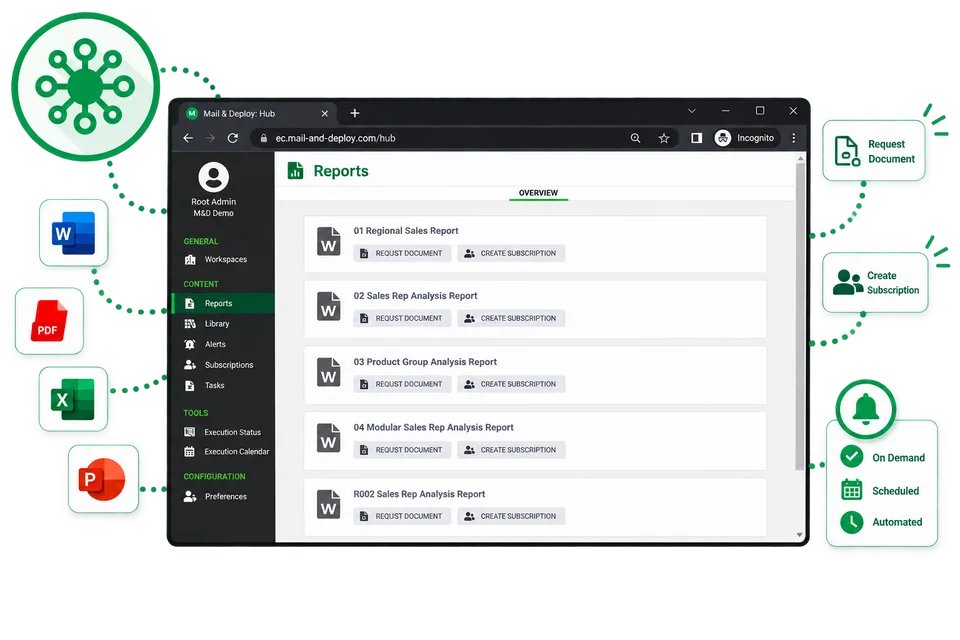
Users explore, view, download and subscribe to reports online through one secure, central portal - less busywork for IT. The hub is a service users log on to with their own account, and their authorizations decide which reports and tasks they see.
- One portal for every report
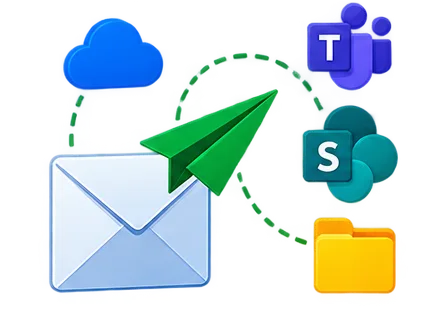
Recipients don't need a Qlik licence to receive reports. They receive a finished document - a PDF, a workbook, a deck - through email, Teams, SharePoint or the Mail & Deploy Hub, and only need access to that channel, not to Qlik.
On-demand reporting
The Self-Service Extensions give decision-makers access to Qlik Sense® data, so they select the values they need and request the report themselves. Users can supply values for the parameters a report exposes before requesting it, so the document is generated for their selection instead of a fixed default.
- Recipients set the parameters before the report is generated
Output formats
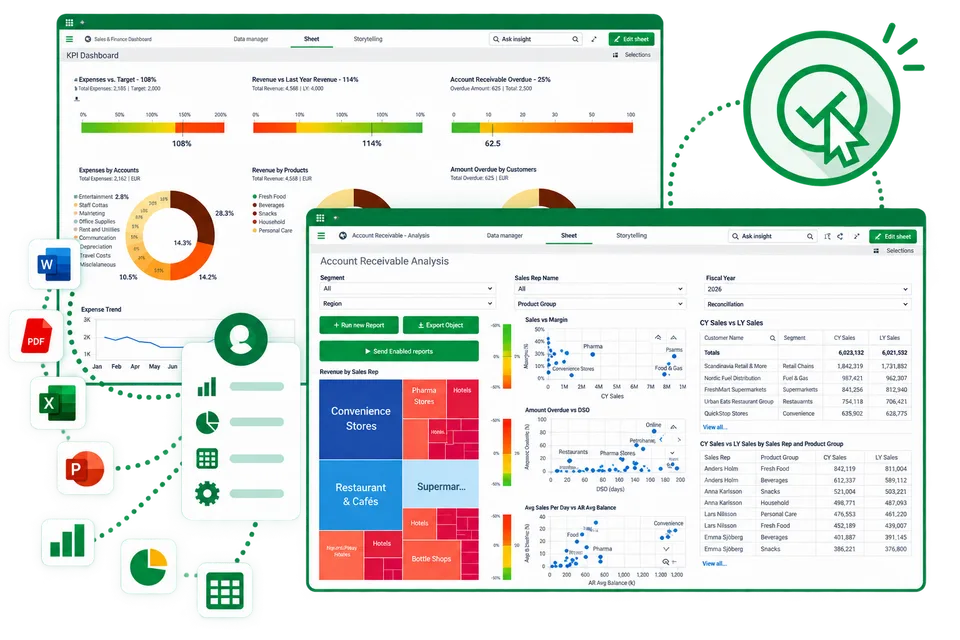
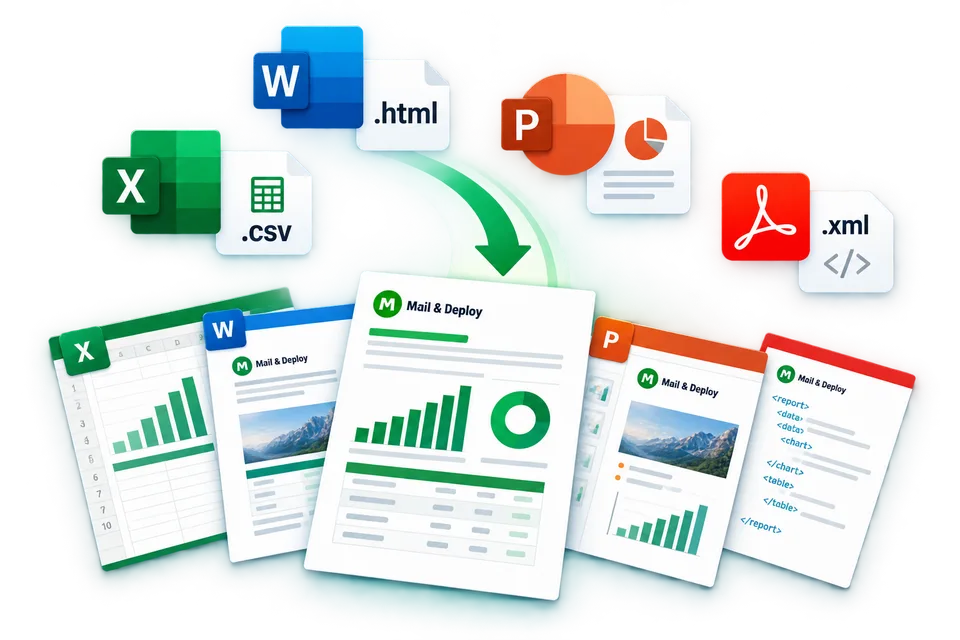
Deliver as Excel, Word, PowerPoint, PDF, HTML, CSV and XML. Office formats stay editable; PDFs stay pixel-accurate. Excel templates keep cell formats, formulas and named ranges, so recipients receive a workbook they can continue to calculate with rather than a static export.
- Excel, Word, PowerPoint, PDF, HTML, CSV, XML
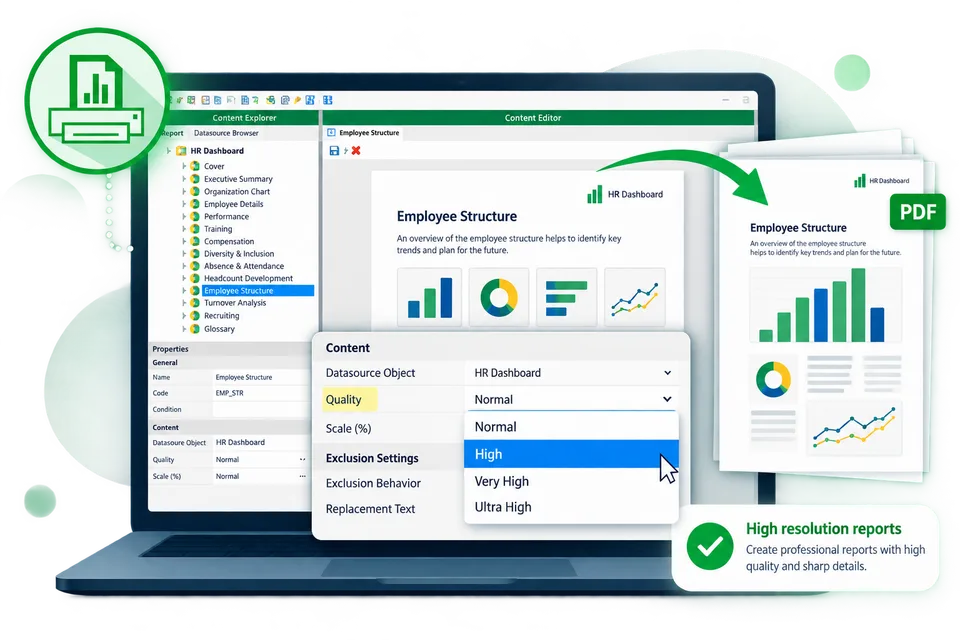
High-resolution reports
Deliver complex, printable reports from Qlik®, Power BI and more, with control over the rendering resolution of every visual. The rendering resolution is a property of the image element, which keeps charts sharp in print and in documents that get zoomed.
- Rendering resolution is set per image element
Book a Mail & Deploy workshop
Build your reporting skills with guided, hands-on training. Work through connecting data sources, creating reports and setting up distribution with a Mail & Deploy consultant.
Workshops cover both client-managed and SaaS versions of Mail & Deploy. Choose the session format that fits your team.