
Skip to content

Three editions. Priced by recipients and parallel tasks.

Unlimited report designers in every edition. You pay for how many people receive reports and how many executions run in parallel. On-premise or SaaS.

The same editions apply to on-premise and SaaS. QlikView requires on-premise.

Editions

  • Standard

    For small and medium-sized businesses

    • Up to 250 report recipients, internal and external
    • 1 execution task - reports run one after another
    • Unlimited designers
    • One data source of your choice included - Qlik, Power BI, Snowflake, SQL Server, Oracle, BigQuery, or Databricks and other sources via ODBC.
    • SaaS: 4 GB RAM
  • Most popular

    Plus

    For larger businesses and heavier schedules

    • Up to 500 report recipients
    • 5 parallel execution tasks
    • Unlimited designers
    • One data source of your choice included - Qlik, Power BI, Snowflake, SQL Server, Oracle, BigQuery, or Databricks and other sources via ODBC.
    • SaaS: 8 GB RAM
  • Enterprise

    For groups, regulated industries and high-volume reporting

    • Unlimited report recipients
    • 10 parallel execution tasks
    • Unlimited designers
    • One data source of your choice included - Qlik, Power BI, Snowflake, SQL Server, Oracle, BigQuery, or Databricks and other sources via ODBC.
    • Test server with 5 parallel execution tasks, included. Its recipients count towards the recipient limit.
    • SaaS: 16 GB RAM, test server 8 GB RAM
    • Licensed Qlik users count towards the recipient limit, since they can receive reports. Combining several sources in one report requires each source to be licensed.

Choose an edition

5 parallel execution tasks.

More parallel tasks mean a large distribution finishes inside the delivery window.

Every edition includes

  • The complete software - no feature tiers
  • Web support during business hours (CET)
  • All feature updates and bug fixes

Trusted by leading companies

  • ACTEGA logo
  • APG Groep logo
  • Aqua logo
  • Bank Frick logo
  • Bonprix logo
  • Burgtheater Wien logo
  • Caruna logo
  • Check24 logo
  • CubeSmart logo
  • Deutsche Lufthansa logo
  • Dun & Bradstreet logo
  • E-Control logo
  • Education First logo
  • Adolf ROTH logo
  • Ardex logo
  • Benediktinerstift Admont logo
  • Berlin Recycling logo
  • Bluecare logo
  • Boluda logo
  • Byggmaxx logo
  • Cefetra Group logo
  • Districon logo
  • Energieallianz Austria logo
  • Fitch Ratings logo
  • Mail & Deploy made the transition from Qlik NPrinting to cloud-based automation seamless. It's intuitive, efficient, and scalable.
    Christian Polle, Teamlead Data & Services, Berlin Recycling
  • Within an hour, we managed to replicate our existing RPA as a POC within Mail & Deploy's environment. It was quite easy to just move across.
    Darren Trippett, Head of Business Planning, Data & Insight, Thomas Miller
  • Mail & Deploy is our key solution for delivering timely, accurate, and actionable analytics to regional managers and B2B partners.
    Head of BI, Technodom

Factsheets

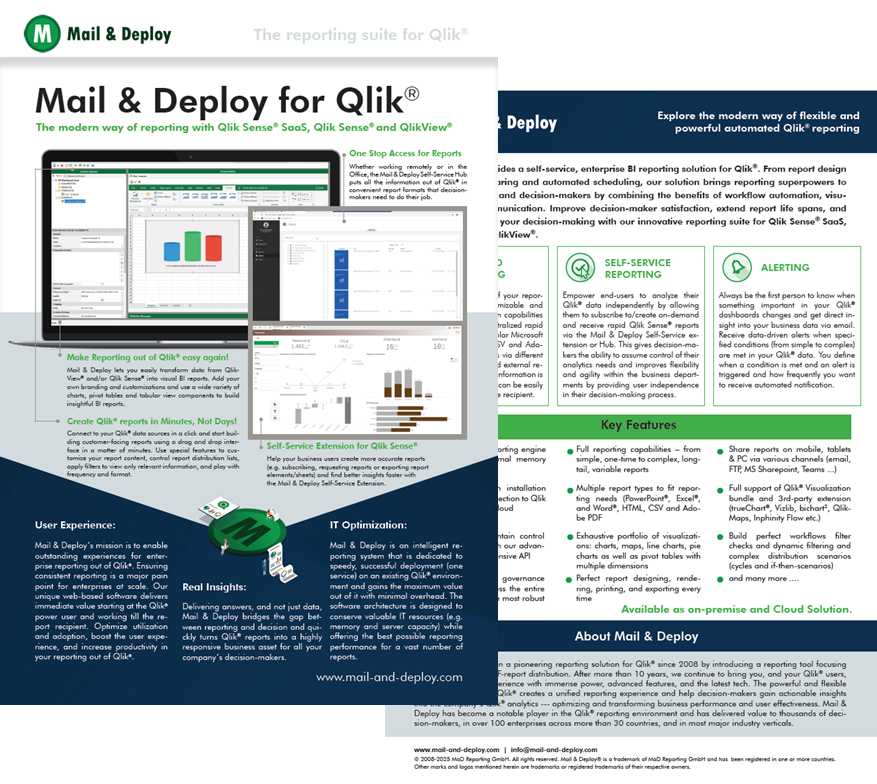
  • Cover of the Mail & Deploy for Qlik factsheet

    Mail & Deploy for Qlik

    Product Factsheet

    Explore the key features, benefits and capabilities of Mail & Deploy for Qlik. Learn how to automate reporting, distribute information and empower users with self-service reporting.

    PDFDownload PDF
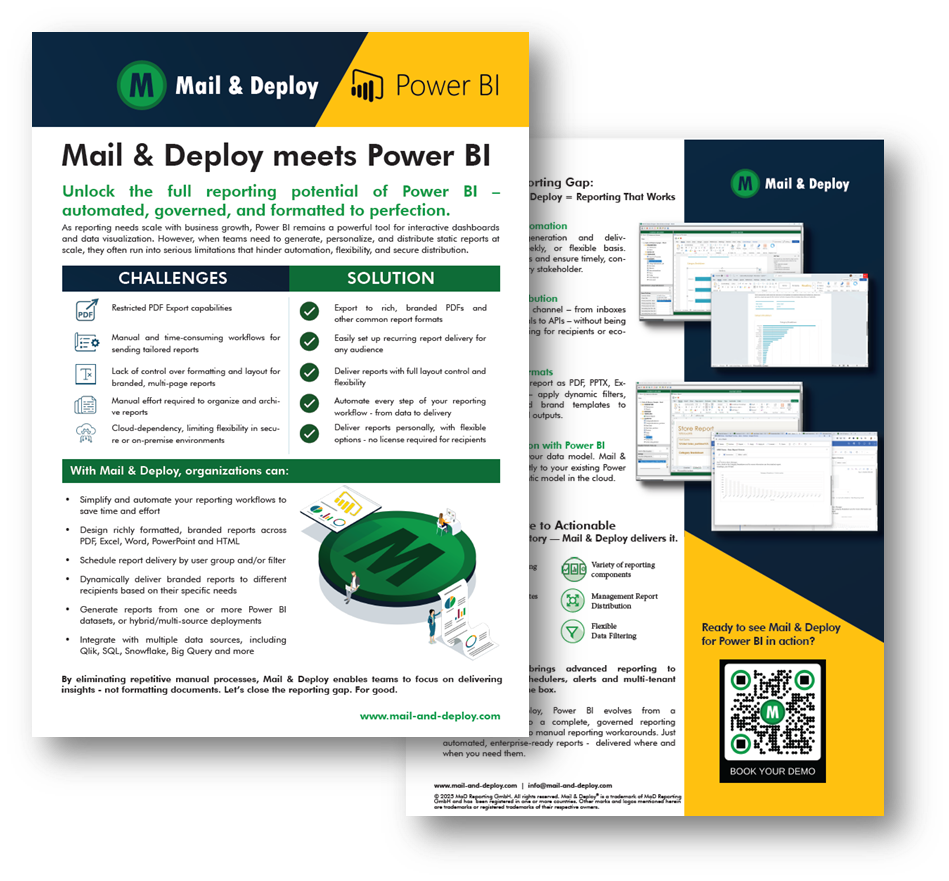
  • Cover of the Mail & Deploy for Power BI factsheet

    Mail & Deploy for Power BI

    Product Factsheet

    Explore the key features, benefits and capabilities of Mail & Deploy for Power BI. Learn how to automate reporting, distribute information and empower users with self-service reporting.

    PDFDownload PDF
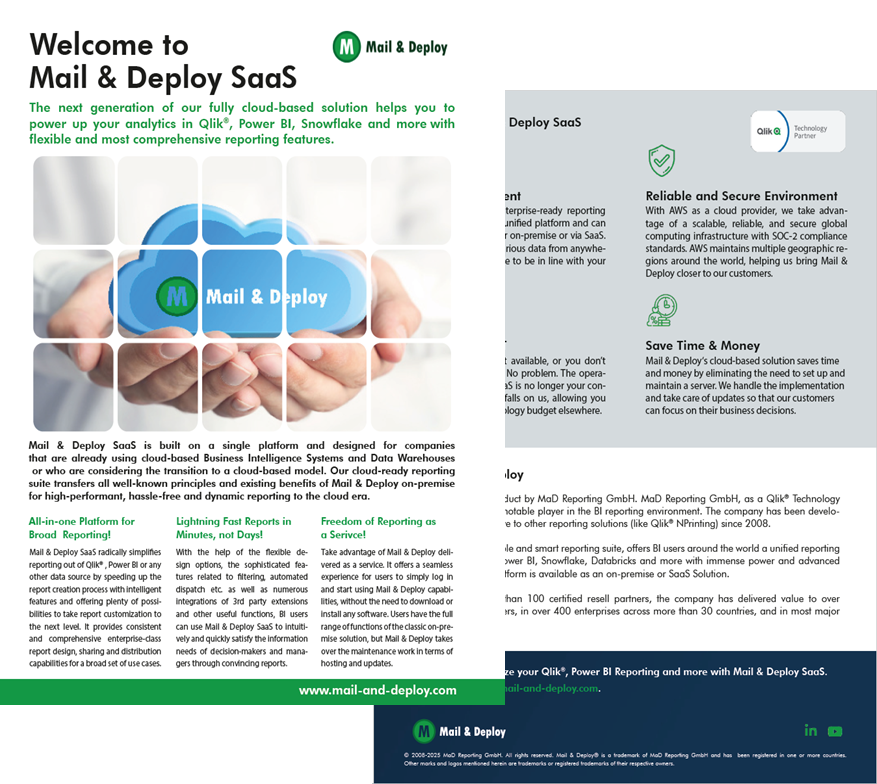
  • Cover of the Mail & Deploy SaaS factsheet

    Mail & Deploy SaaS

    Product Factsheet

    Explore the key features, benefits and capabilities of Mail & Deploy SaaS. Learn how to automate reporting, distribute information and empower users with self-service reporting.

    PDFDownload PDF

Frequently asked questions

Book a Mail & Deploy workshop

Build your reporting skills with guided, hands-on training. Work through connecting data sources, creating reports and setting up distribution with a Mail & Deploy consultant.

Workshops cover both client-managed and SaaS versions of Mail & Deploy. Choose the session format that fits your team.